
Key Takeaways
- Plan network architecture, growth, pathways, power, and equipment locations before selecting cable types.
- Use Cat6 for many gigabit needs; choose Cat6A for 10-gigabit, dense Wi-Fi, video, and larger PoE deployments.
- Use fiber backbones for long distances, inter-building links, high bandwidth, and electrical-interference resistance.
- Require labeled runs, certification testing, rack schedules, drawings, and documentation at project handoff.
- For occupied Glendale sites, choose contractors with written phasing plans and experience protecting live operations.
- Coordinate cabling early with IT, electricians, contractors, security systems, and future expansion requirements.
What data cabling installers in Glendale CA deliver: structured cabling and commercial cabling
Experienced data cabling installers in Glendale CA design and install the physical network that keeps a workplace connected, secure, and ready for day-to-day demands. Their work starts with a site review: identifying telecom rooms, workstation locations, ceiling pathways, wall penetrations, power separation, and the equipment each department needs to use. From there, structured cabling is planned as an organized system rather than a collection of point-to-point runs. Commercial cabling commonly includes Cat6 or Cat6A data runs, fiber backbone links, patch panels, racks, cable management, labeling, faceplates, and testing. A properly installed system gives IT teams clear port identification and practical access for moves, additions, and repairs. The goal is clean routing, dependable performance, and a layout that supports future changes without reopening finished walls or tracing unidentified cables.
Low voltage cabling often extends beyond network connectivity. Installers may run pathways and cabling for Wi-Fi access points, VoIP phones, conference-room displays, access control, cameras, intercoms, and other communication or security systems. Each application has different placement, bandwidth, and power requirements, so coordination with electricians, general contractors, and technology vendors matters on active job sites. Quality cabling services include termination, certification testing, documentation, and a final review of rack layout and endpoint labeling. Installers should follow the relevant standard for bend radius, cable support, separation from electrical lines, grounding, and fire-stopping. That disciplined approach helps Glendale offices, retail spaces, medical facilities, warehouses, and multi-tenant properties maintain a low voltage infrastructure that is orderly, serviceable, and built for the equipment in use.
When Glendale businesses need data cabling installation
A commercial network rarely fails all at once. More often, a Glendale business notices small disruptions: video calls freeze in a conference room, point-of-sale terminals lag during a rush, Wi-Fi access points lose capacity, or a new workstation has no clean path to the network. Those symptoms can point to aging, poorly routed, or undersized data cabling, not simply an internet-service issue.
Professional cabling installation makes sense during an office build-out, tenant improvement, relocation, expansion, or technology refresh. It is equally valuable after years of piecemeal additions have left cable runs crowded, unlabeled, and difficult to service. A properly planned installation accounts for work areas, wireless coverage, phones, cameras, access control, servers, and equipment rooms before walls are closed or furniture is in place.
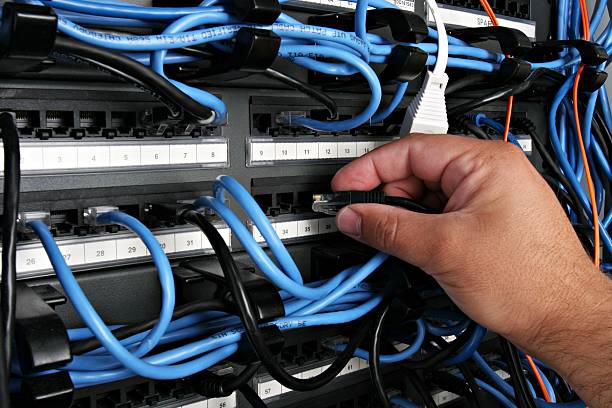
Signs Your Cabling Needs Attention
- Video calls freeze or drop in conference rooms despite reliable internet service.
- Point-of-sale terminals lag during busy periods, slowing customer transactions.
- New workstations lack a clean, documented route to the network.
- Wi-Fi access points struggle with capacity or inconsistent coverage.
- Cable runs are crowded, unlabeled, or difficult for IT staff to trace.
- Office expansion, relocation, or tenant improvements require planned network pathways.
- Equipment rooms need organized racks, tested terminations, and clear cable documentation.
Our Services



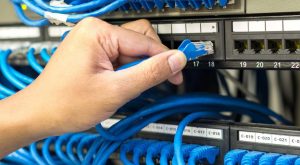

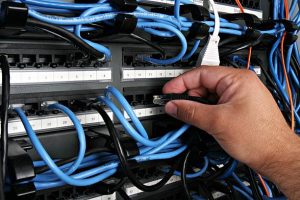
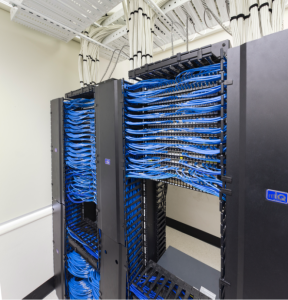
Cat6, Cat6A, fiber optic cabling and PoE-ready infrastructure
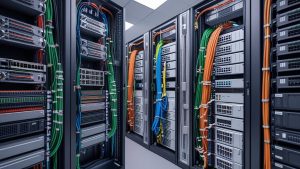
A dependable network begins behind the walls, above the ceiling tiles, and inside the equipment room. The right cable choice shapes day-to-day speed, device capacity, and the ease of future upgrades. Cat6 remains a sound fit for many smaller offices, retail locations, and low-to-moderate density workspaces, delivering gigabit connectivity with practical installation costs. Cat6A is the stronger choice for organizations planning 10-gigabit links, heavier wireless traffic, high-resolution video, or larger PoE deployments.
PoE-ready structured cabling lets a single data cable carry both network traffic and power to wireless access points, security cameras, VoIP phones, door controls, and digital displays. That reduces reliance on nearby electrical outlets and gives facilities teams more freedom over device placement. Proper pathway design, cable bundling, termination, and testing matter here: power creates heat, and poor workmanship can limit performance long before the equipment reaches its rated speed.
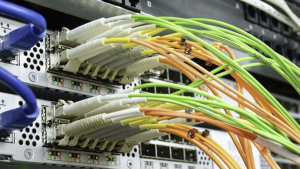
For longer runs, inter-building connections, or environments where electrical interference is a concern, fiber optic cabling is often the right foundation. Fiber moves data using light rather than electrical signals, offering high bandwidth over far greater distances than copper. A balanced network infrastructure often uses Cat6 or Cat6A at desks and endpoints, with fiber optic backbone links connecting closets, floors, buildings, and core equipment. Planning the fiber count, pathways, and spare capacity at installation protects the investment and keeps expansion straightforward.
Network Cabling Options at a Glance
| Cabling option | Best suited for | Typical network role | Planning considerations |
|---|---|---|---|
| Cat6 | Smaller offices, retail locations, and low-to-moderate density workspaces | Gigabit connectivity at desks and endpoints | Practical installation costs; often used for endpoint connections |
| Cat6A | Organizations planning 10-gigabit links, heavier wireless traffic, high-resolution video, or larger PoE deployments | Higher-capacity copper connections for desks and endpoints | Account for pathway design, cable bundling, termination, and testing |
| PoE-ready structured cabling | Wireless access points, security cameras, VoIP phones, door controls, and digital displays | Carries network traffic and power through one data cable | Power creates heat; sound bundling and workmanship help maintain performance and support flexible device placement |
| Fiber optic cabling | Longer runs, inter-building connections, and areas with electrical interference | Backbone links between closets, floors, buildings, and core equipment | Plan fiber count, pathways, and spare capacity during installation to support expansion |
Service Area
The commercial cabling installation workflow, from site walk to handoff
A successful commercial cabling project starts well before the first cable is pulled. During the site walk, experienced contractors review floor plans against the building itself: ceiling access, riser paths, existing pathways, electrical separation, equipment-room conditions, fire-rated walls, and the work that must be coordinated with other trades. That early field review shapes a practical installation plan rather than a paper-only design.
Next comes the layout of the data cabling system. Cable routes, rack locations, outlet counts, labeling conventions, pathway capacity, and future growth all need to be documented before materials arrive. For an occupied office, clinic, school, or retail site, the schedule matters just as much as the drawing set. Crews may need to work after hours, protect finished interiors, and keep active networks online during the cabling installation.
Commercial Cabling Workflow
- Walk the site to verify ceiling access, risers, pathways, fire-rated walls, electrical separation, and equipment-room conditions.
- Compare field conditions with plans, then coordinate access, routes, and sequencing with other trades.
- Document cable routes, rack locations, outlet counts, pathway capacity, labeling rules, and planned growth.
- Set work hours around occupants, protect finished interiors, and keep active network services available during installation.
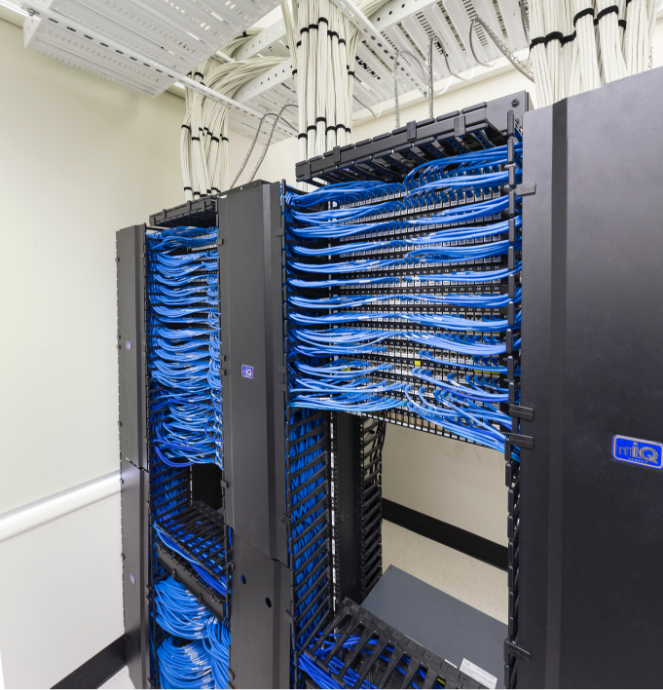
- Complete rough-in, cable pulling, termination, dressing, labeling, and cleanup using proper support and separation practices.
- Certify every cable run to the required standard and link each test result to its label and location.
- Hand over test reports, updated drawings, rack schedules, and labeling records for ongoing IT management.