Key Takeaways
- Plan rack placement, pathways, cooling, grounding, labeling, and future capacity before installing cables.
- Use copper for short runs and PoE; choose fiber for high-speed, long-distance, interference-prone links.
- Require documented testing, labeling, fire-rated penetrations, and compliance with local California requirements.
- Choose contractors who conduct site walks and provide clear scopes, closeout records, and expansion guidance.
Server Room Cabling Installation in Glendale CA for California Businesses
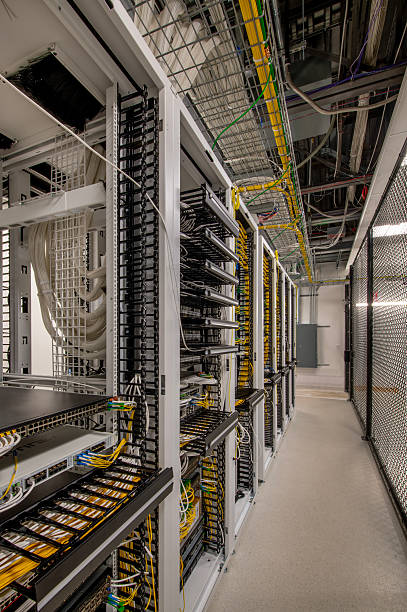
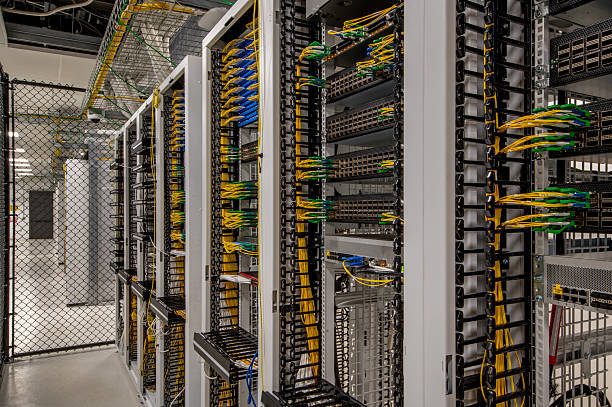
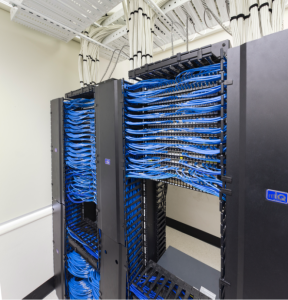
Server room cabling installation in Glendale CA calls for more than neatly routed wires. A well-planned system gives a California business clear paths for data, voice, security, wireless access points, and future equipment changes. The work starts with the room itself: rack placement, pathway capacity, cooling clearance, grounding, labeling standards, and the distance between active hardware and work areas. Proper network cabling keeps ports identifiable and serviceable, so teams can trace a connection without disrupting nearby systems. For offices, medical practices, retail locations, and multi-site operations across CA, disciplined installation protects the flow of information and leaves room for practical growth. The result is a server room that looks orderly, performs reliably, and is easier to support over time.
Server Room Installation Checklist
- Plan rack placement, cooling clearance, grounding, and cable pathways before installation.
- Separate data, voice, security, and wireless cabling for clearer service access.
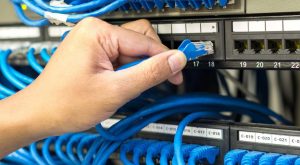
- Label every cable, port, panel, and rack position using consistent naming standards.
- Leave pathway and rack capacity for new equipment, moves, and future expansion.
- Test each connection and document routes for faster troubleshooting and maintenance.
Our Services



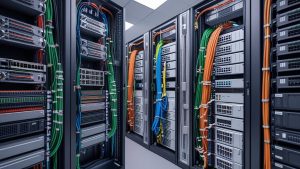
Copper Cabling and Fiber Optic Choices for the Server Room
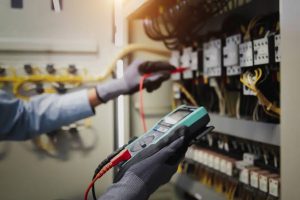
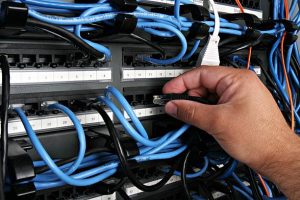
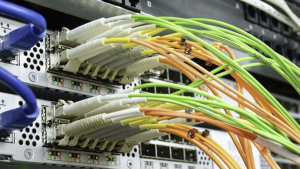
The right cabling decision begins with the traffic a room must carry today and the work expected of it over the next several years. Copper cabling remains a practical choice for short equipment runs, patching, and power delivery to access points, cameras, or phones. Fiber optic links suit longer distances, high uplink speeds, and paths exposed to electrical interference. Well-planned cabling systems use both with purpose: tidy pathways, labeled patch panels, service loops, and spare capacity make routine changes far less disruptive. For a server room, network cabling should reflect switch speeds, rack layout, cooling clearances, and the building backbone, not merely the initial material price. The result is an installation technicians can trace, maintain, and expand without making every move a troubleshooting exercise.
Copper vs. Fiber Optic Cabling for Server Room Connections
| Decision factor | Copper cabling | Fiber optic cabling |
|---|---|---|
| Typical run length | Practical for short equipment runs and patching | Suited to longer distances |
| Power delivery | Can deliver power to access points, cameras, and phones | Not identified for power delivery |
| Uplink capacity | Used for short equipment connections and patching | Suited to high uplink speeds |
| Electrical-interference exposure | No specific interference use stated | Suited to paths exposed to electrical interference |
| Common server-room use | Short rack connections, patching, and powered endpoint links | Long-distance and high-speed backbone or uplink paths |
Service Area
Glendale CA Project Process, Code Checks, and Contractor Questions
A well-run Glendale, CA cabling project starts with a site walk, not a generic quote. A qualified cabling contractor should document pathways, ceiling access, telecom rooms, power separation, fire-rated penetrations, and the equipment each cable will support. Ask how proposed cabling services align with local permitting, applicable California building and fire requirements, labeling standards, testing records, and closeout documentation. Request a clear scope that separates materials, labor, patching, testing, and any after-hours work. Strong contractors treat education as part of their services: they explain cable category choices, outlet locations, future capacity, and what the final test results mean for your network.
Server room cabling checklist
- Choose copper for short rack runs, patching, and power delivery.
- Use fiber for long links, fast uplinks, and electrically noisy routes.
- Match cable types to switch speeds and building backbone requirements.
- Label patch panels, pathways, and both ends of every cable.
- Leave service loops and spare pathways for later equipment changes.